For IT Managers
Overflow support, escalation, monitoring, documentation, evening, weekend and holiday cover, and planned project delivery when the internal team needs extra hands.
Co-managed IT services Dublin
Radium works alongside internal IT teams to absorb selected workloads, provide senior escalation and improve operational reporting. Your team keeps its business knowledge and decision-making role.
Who it helps
Co-managed IT is not about replacing a capable internal team. It gives that team breathing room, specialist support and a clearer operating model when users, sites, Microsoft 365, security actions and projects all compete for attention.
Build Your Support ModelOverflow support, escalation, monitoring, documentation, evening, weekend and holiday cover, and planned project delivery when the internal team needs extra hands.
Reduced key-person dependency, clearer reporting, more predictable support boundaries and better visibility of technology risk.
A clear division of responsibility
The operating model is documented before service begins, giving both teams a practical view of ownership and escalation.
Outsource selected IT responsibilities
Radium can sit behind your internal IT function, beside it, or in front of selected workloads. The scope is agreed in writing so your team knows what is covered, what is excluded and where decisions sit.
Ticket triage, user support, escalation and capacity when demand spikes or internal staff are unavailable.
User changes, licence visibility, mailbox support, SharePoint queries and practical Microsoft 365 support.
EDR alerts, MFA and Conditional Access changes, phishing campaign actions and vulnerability remediation support.
Server, endpoint, backup, firewall and network checks with issues surfaced before they become avoidable noise.
Azure, cloud services, recovery planning and backup checks for environments where continuity matters.
Migrations, refresh projects, onboarding, supplier coordination and planned technical change with senior review.
Capacity planning for leadership
A useful co-managed model starts with evidence. Ticket demand, recurring administration, security follow-up and project work should be visible enough to support a sensible division of effort.
A practical operating model
For high-value organisations, the risk is rarely one isolated ticket. It is the build-up of unsupported users, Microsoft 365 changes, security tasks, supplier renewals, ageing infrastructure and project delays.
One view for IT and leadership
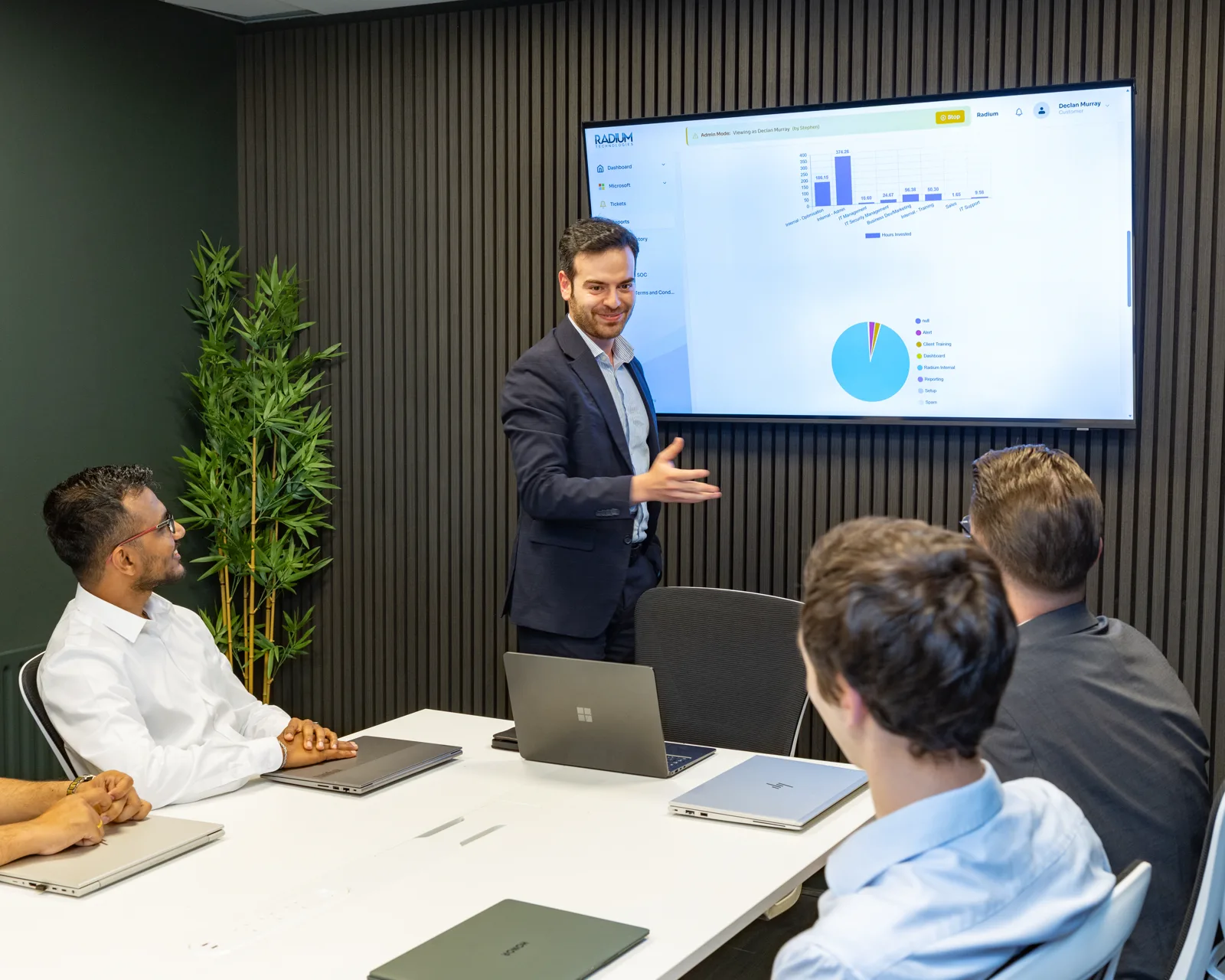
Radium's customer dashboard can bring service, asset, licence, budget and infrastructure information into a more useful monthly review.
Visibility of the estate within the agreed support scope.
Operational context for user administration and licence review.
Items that may require attention, planning or investment.
Technology costs and review items presented with service context.
High-value sectors
Radium supports internal IT teams operating in regulated, client-facing and commercially sensitive environments where continuity, data protection and clear communication matter.
Discuss Your Sector RequirementsHow service starts
We review users, sites, systems, current tools, internal IT capacity, documentation and recurring support pressure.
Supported responsibilities, response expectations, escalation routes, exclusions and commercial terms are agreed in writing.
Monitoring, support channels, documentation, security tools and dashboard reporting are aligned with the agreed model.
Radium and the internal team review ticket demand, projects, recurring issues, risks and upcoming business change.
Co-managed IT FAQs
No. Co-managed IT is designed to support internal IT, not remove useful business knowledge. Radium can take selected workloads, escalation tasks, reporting and projects while your internal team stays close to the business.
Yes. You can scope helpdesk overflow, Microsoft 365, cyber security, backup, monitoring, projects or reporting independently, depending on where your internal team needs capacity.
Yes. Radium can help review technical controls commonly requested by insurers, including MFA, endpoint protection, backup position, vulnerability management and security reporting.
Supported systems, service hours, response expectations, exclusions and charges are agreed in writing so the operating model is clear before service begins.
Start a conversation
Tell Radium where your internal team needs capacity, escalation or specialist support. We will come back during business hours.